What an AI Gaming Monitor Actually Does — and Why Anti-Cheat Can’t See It
An AI gaming monitor puts a neural processing unit inside the display, editing the frame after it leaves your GPU. What that actually means, whether AI vision is any good for gaming, and the competitive-integrity problem nobody has solved — because the processing happens past the boundary anti-cheat can inspect.
By Shujaat Ahmed · · · 8 min read
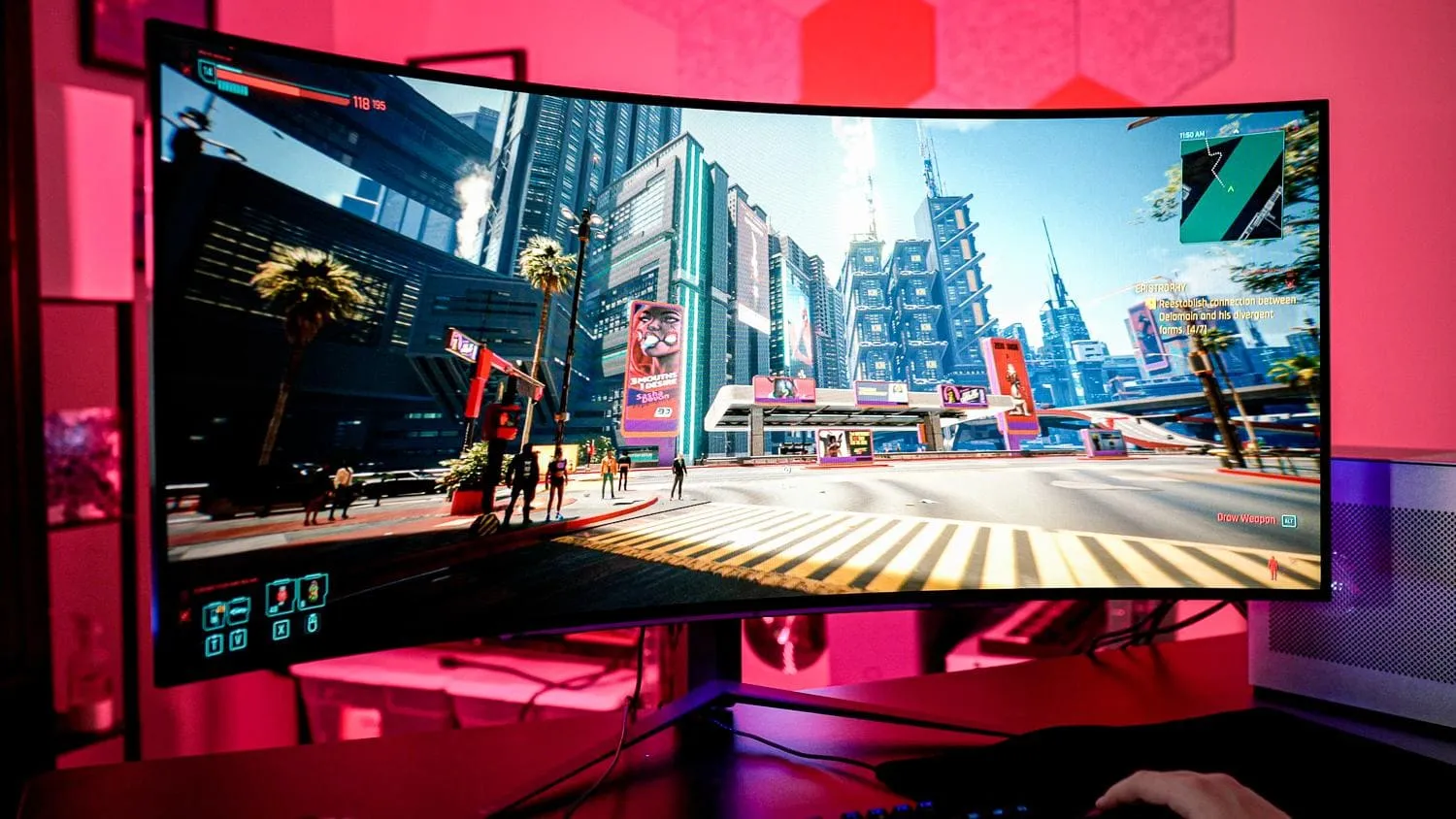
Panel technology has reached a point where it is genuinely hard to compete. QD-OLED is spectacular, Mini LED is spectacular, and the gap between a very good monitor and a flagship one is narrow enough that manufacturers need a new story.
The story they chose is AI, and it arrives as a literal neural processing unit soldered inside the display. MSI's MEG X flagship runs an onboard NPU that adjusts the picture based on what is happening in your game.
Most coverage has treated this as a gimmick to be mocked or a feature to be praised. Both miss the part that actually matters.
What is an AI gaming monitor?
An AI gaming monitor is a display with a dedicated neural processing unit built into the monitor itself, which analyses the image after it has left your graphics card and changes what you see before it reaches your eyes.
Two clarifications, because the term is doing a lot of work:
It is not the same as "AI" on a spec sheet. Monitors have used image processing — dynamic contrast, scene detection, adaptive brightness — for well over a decade. Calling that AI is a marketing decision. What is new here is physical silicon dedicated to the job, inside the chassis.
It has nothing to do with AI monitoring software. If you arrived looking for tools that track machine-learning models in production — drift, hallucinations, latency — that is a different product category entirely and this is not about it.
What makes the hardware kind genuinely novel is where the processing happens. Your PC renders a frame and sends it down a cable. Everything your computer can see, control or verify ends at that cable. An AI monitor picks the frame up on the far side and edits it.
That sounds like a minor technical distinction. It is the whole story, and it is why this category raises a problem nobody has solved.
What these monitors claim to do
MSI's feature list for its AI monitors is specific, and worth reading closely:
- Automatically highlight in-game characters
- Simulate zooming to enhance aiming
- Apply night vision to dark scenes
- Adjust brightness to help players recover from flashbangs
Read that list again as a competitive player, or as someone who writes anti-cheat software.
Character highlighting is a wallhack's core function. Simulated zoom for aiming is a scope you did not earn. Night vision defeats a game's deliberate use of darkness. Flashbang recovery removes a mechanic designed to punish you.
The part nobody is discussing
Here is what makes this genuinely novel rather than merely silly: these effects happen inside the monitor.
Anti-cheat systems work by inspecting what happens on your computer — processes, memory, drivers, kernel activity, the rendering pipeline. Every tool they have operates on the PC. Once a frame leaves your graphics card over a display cable, it has passed beyond anything the game or its anti-cheat can observe.
A monitor that analyses that frame and re-renders parts of it to highlight a player model is performing, in effect, an unauthorised overlay that no software on your machine can detect. Not because it is cleverly hidden, but because it is physically outside the boundary anti-cheat is able to inspect.
Every anti-cheat in the industry assumes the frame is the end of the pipeline. A monitor with an NPU makes that assumption wrong.
This is a real, structural problem, and it has not been solved. It has barely been acknowledged. There is no mechanism today for a competitive game to ask "is the display enhancing this image?", no certification standard for tournament hardware that accounts for it, and no obvious technical fix — because the monitor is not doing anything your PC could refuse.
For casual play, none of this matters. For ranked ladders and LAN tournaments, it is a question someone will have to answer, and the answer will probably be a hardware whitelist.
The feature that actually earns its place
The irony is that the most defensible use of the NPU is the least exciting one.
MSI's MPG 341CQR QD-OLED X36 — a 34-inch 21:9 panel — uses its NPU-based IC for OLED Care 3.0 and an AI Care Sensor. The sensor detects human presence and, when you are not there, triggers power management or a Pixel Refresh cycle.
That is burn-in prevention, and it addresses the single most legitimate anxiety about OLED ownership. A static HUD burned into an expensive panel is the failure mode these displays actually suffer, and presence detection is a sensible way to reduce it — the monitor protects itself when you walk away, without you remembering to.
Even a self-described AI sceptic at Tom's Guide found the Care Sensor genuinely useful, which is roughly the right verdict. It is the one feature solving a problem people actually have.
The NPU question
A fair criticism runs through the reporting: not all of these features need an NPU, and MSI does not clearly specify which ones use it.
Presence detection can be done with a proximity sensor. Brightness adaptation has existed for years without neural networks. Content-based picture adjustment is a well-trodden problem with conventional solutions.
Without a breakdown of which features genuinely require the silicon, "has an NPU" functions as a marketing designation rather than a technical specification — and you are being asked to pay for the chip regardless. PCWorld's reaction to the trend was less than enthusiastic, and on this point the scepticism is warranted.
A correction worth making
This category is frequently described as an industry-wide push, with LG and Samsung named alongside MSI.
On the current public record, the NPU-in-monitor products are MSI's. LG and Samsung make outstanding panels, and both use image processing extensively, but attributing dedicated on-board neural processors to them is not something the available evidence supports. Treat "the industry is doing this" as premature: one manufacturer is doing it loudly.
Is AI vision good for gaming?
It depends entirely on which feature you mean, and the honest answer splits three ways.
For panel care, yes. Presence detection driving burn-in prevention is genuinely useful and solves a real problem OLED owners have. This is the one feature worth paying something for.
For image quality, marginally. Scene-adaptive brightness and contrast adjustment work, but conventional processing has done a decent job of this for years without a neural processor. You are unlikely to notice the difference in a blind comparison.
For the "vision" features specifically — highlighting, night vision, simulated zoom — it works, and that is the problem. They do what they claim. In single-player games that is a legitimate accessibility and comfort option. In competitive multiplayer it is functionally indistinguishable from software people get banned for, running somewhere the ban cannot reach.
So: good for your panel's lifespan, neutral for picture quality, and genuinely risky for anything ranked.
Should you buy one?
Buy for the panel, not the NPU. In 2026 a monitor is still overwhelmingly defined by its panel, refresh rate, response time and HDR handling. If the AI display you are considering is the best panel at your price, buy it and treat the NPU as a bonus. If a cheaper monitor has the same panel without it, buy that.
The burn-in protection has real value if you are buying OLED and leave your machine on with static elements. That is a genuine benefit, not marketing.
Be cautious with the gameplay features. Beyond the question of whether they work well, using character highlighting or aim enhancement in competitive multiplayer sits in genuinely murky territory, and publisher policy on display-level enhancement barely exists. "The monitor did it" is not a defence anyone has tested.
Note the timing. Monitors are memory-and-panel products arriving in a year when component costs are climbing hard. Paying a premium for silicon whose necessity the manufacturer will not specify is a worse deal in this market than it would be in a cheap one.
The takeaway
AI gaming monitors are not a revolution and they are not purely a gimmick. They are one manufacturer putting a neural processor behind a mix of one genuinely useful feature and several that quietly reinvent the functionality of cheat software — on the far side of the only boundary anti-cheat can see.
The burn-in sensor is worth having. The aim assistance is a problem the industry has not begun to think about. And the monitor is still, as ever, mostly its panel.
Quick answers
- What is an AI gaming monitor? A display with a neural processing unit inside it that alters the image after it leaves your GPU.
- Is AI vision good for gaming? Good for burn-in protection, marginal for picture quality, risky in competitive play.
- Who makes them? On the public record, MSI. Attributing on-board NPUs to LG or Samsung is not supported by available evidence.
- Can anti-cheat detect it? No. The processing happens past the boundary anti-cheat can inspect.
- Should you buy one? Buy the best panel at your price. Treat the NPU as a bonus, never as the reason.
Tags: PC gaming news AI gaming monitors gaming monitor AI QD OLED monitors Mini LED gaming monitor MSI AI monitor LG UltraGear AI Samsung gaming monitor OLED burn in protection AI upscaling monitor gaming monitor technology PC gaming hardware gaming setup 2026 AI display technology high refresh rate monitors OLED gaming monitor monitor buying guide gaming monitor features 5K gaming monitor 6K gaming monitor esports monitor
Written by Shujaat Ahmed
Shujaat Ahmed is the founder and editor of Door To Gaming. A lifelong gamer, he writes about the games, hardware, and industry news he cannot stop thinking about.