Why Game Installs Are So Big: It Isn't Just 4K Textures
A 1TB SSD holds about six modern games. The usual explanation is 4K textures, which is roughly half the story — a large share of a modern install is deliberately duplicated and deliberately uncompressed data, put there to speed up loading on mechanical drives almost nobody games on any more. Here's where the space actually goes, and what you can safely delete.
By Shujaat Ahmed · · 7 min read
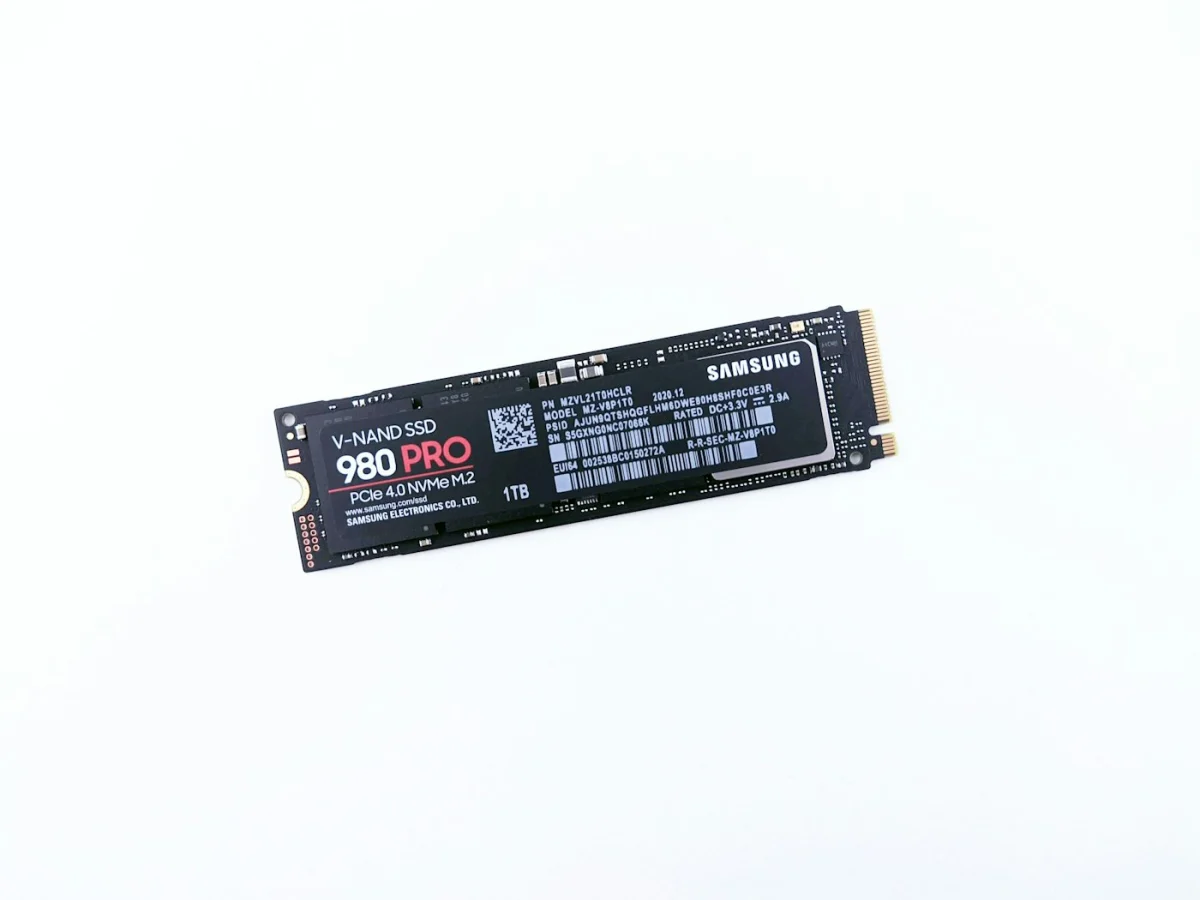
A 1TB SSD sounds like a lot until you try to put games on it. Call of Duty: Black Ops 6 takes roughly 120GB. ARK: Survival Evolved is about 125GB before DLC and past 400GB with everything. DCS World reaches around 500GB fully expanded. Buy a 1TB drive in 2026 and you are realistically installing six or seven games on it.
Ask why and you will be told "4K textures." That's true, and it's maybe half the story. The more interesting half is that a large chunk of a modern install isn't content at all — it's deliberate duplication, deliberately uncompressed, put there on purpose to make games load faster on hardware most people stopped using years ago.
Once you know which parts those are, you also know which parts you can get rid of.
Where the space actually goes
Textures are the obvious one, and the maths is unforgiving. A 4K texture has four times the pixels of a 1080p one. Not 'somewhat bigger' — four times, per texture, across every surface in the game. Studios ship high-resolution art because displays and GPUs can use it, and the storage cost compounds across tens of thousands of assets.
Audio is the one nobody expects. The best-documented case is still Titanfall. It shipped in 2014 at 48GB, and 35GB of that was audio — stored completely uncompressed. Respawn explained the reasoning at the time: compressed audio has to be decoded on the fly, and on the low-end CPUs of the era, decoding that many simultaneous streams cost enough processing time to hurt the frame rate. Uncompressed audio is free to play back. It just costs storage.
Add voice acting in a dozen languages, each fully installed by default, and audio can rival textures for footprint.
And then there's duplication. This is the one that surprises people. Many games store the same asset multiple times, in different places in the install, on purpose.
The part that's optimised for a device you probably don't own
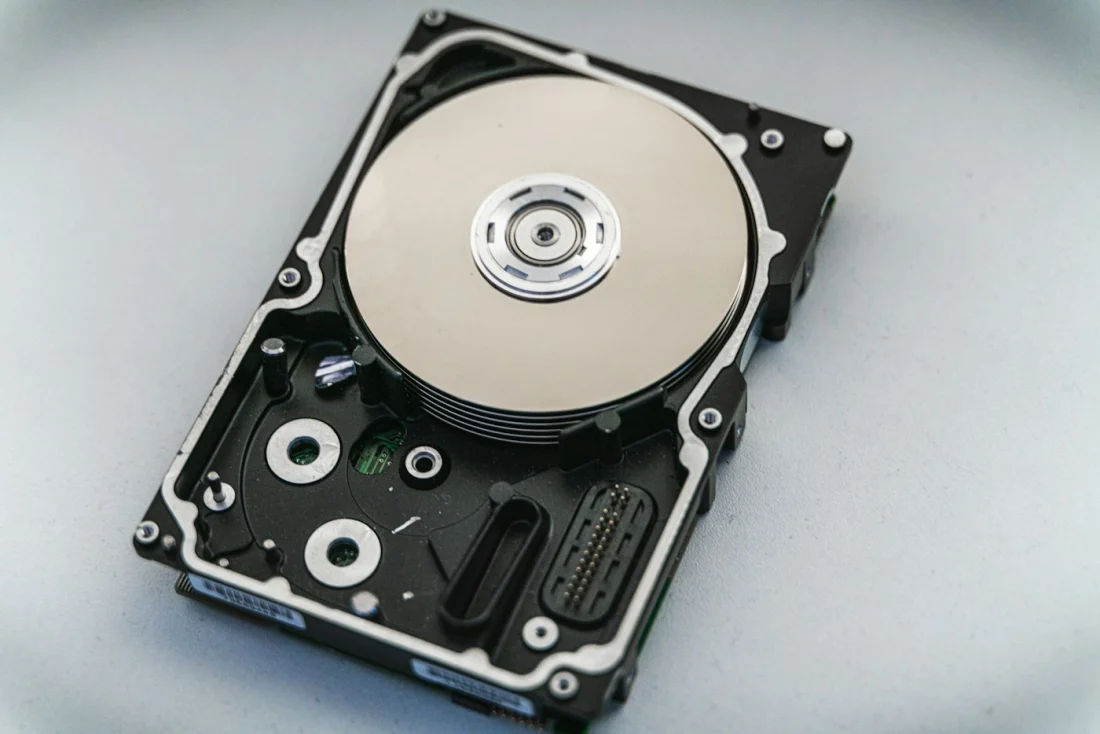
A mechanical hard drive reads data by physically moving a head across a spinning platter. Reading two files stored far apart means moving that head twice, and that movement — the seek — is slow in a way nothing else in a modern PC is slow.
So engines did the sensible thing. If an asset is needed in level 1, level 7 and level 12, store three copies, each one physically near the other data those levels need. The drive reads a contiguous block, the head barely moves, the level loads faster. You trade disk space, which is cheap, for seek time, which is expensive.
That was a genuinely good decision in 2013. It is a much worse one now. An SSD has no head and no platter, and random access costs it essentially nothing — which is exactly why an NVMe drive helps so much with the traversal stutter in modern streaming-heavy engines. The duplication buys you almost nothing on the hardware most people now game on, but the asset pipelines, packaging tools and engine defaults that produce it never got rebuilt.
A lot of what's eating your drive is a solved problem that nobody went back and un-solved.
It isn't inevitable, and one game proved it
The obvious objection is that this is just what big games cost now. Microsoft Flight Simulator is the counterexample, and it's a stark one.
The 2020 release wanted somewhere between 150GB and 190GB locally. Its 2024 successor — a larger game by any measure of content — ships a base install of around 30GB, because it streams the world data it needs instead of storing the planet on your drive. Install it fully offline and you're back to roughly 400GB. The content didn't shrink. The assumption that all of it must live on your disk did.
That's the whole argument in one product line. The size isn't a law of physics, it's a default.
Why the updates are enormous too
A related complaint: why does a patch that "fixes a typo" download 40GB?
Usually it doesn't. Steam uses delta patching — it works out which parts of which files changed and transfers only those, rather than the whole file. The number you see in the download queue is frequently not the download; it's the volume of installed data being rewritten. The client copies the affected files, decompresses them, applies the changes, recompresses, hash-checks, and swaps them in. That's why a small patch can pin your drive for twenty minutes while barely touching your bandwidth.
But sometimes it really is enormous, and that comes down to packaging. Assets are bundled into large archive files, and if an engine can't patch inside those bundles, changing one texture means reshipping the entire bundle it lives in. Older Unreal versions were notorious for this. The patch size then has nothing to do with how big the fix was and everything to do with how the files were packed.
What you can actually delete
The practical payoff. In rough order of how much space it frees:
- Optional high-resolution texture packs. Many games ship these as separate, removable downloads — on Steam they're often listed under the game's DLC. If you play at 1080p, the HD pack is frequently doing nothing visible. It's also the single biggest easy win, often 20–50GB. The same logic applies to your in-game texture setting: at 1080p, Ultra and High textures are frequently indistinguishable while costing very different amounts.
- Language packs you don't speak. Right-click the game on Steam → Properties → Language. Switching from "all languages installed" to one can reclaim a startling amount on anything heavily voiced.
- Campaign or multiplayer modules. Call of Duty is the standout: its launcher lets you uninstall individual components, and dropping the modes you don't touch can halve the install.
- Shader caches and old installs. Driver shader caches grow, and uninstalled games sometimes leave directories behind. Worth checking before you buy a drive.
A sensible structure if you have two drives: the three or four games you actually play live on the NVMe, everything else on the cheap SATA drive. Load times differ most for big streaming open worlds and barely at all for everything else.
The uncomfortable economics
It would be reasonable to expect this to improve. It probably won't, quickly.
Storage got cheap for a long time, which removed the pressure to optimise — engineering time spent shrinking an install is engineering time not spent shipping. And that cheap-storage assumption is now wobbling: memory and flash pricing has been pulled upward by datacentre demand, which we covered in why PC memory got expensive and won't get cheap again. If drives stop getting cheaper per gigabyte while installs keep growing, the squeeze lands on players first.
The fix exists and it's well understood: compress the audio, deduplicate the assets, stream what can be streamed, and stop packaging for a drive almost nobody games on. Flight Simulator 2024 shows what it looks like when a studio actually does it.
Until more of them do, the honest advice is the boring kind. Buy more storage than you think you need, delete the texture packs you can't see, and don't assume the number on the store page is the number you're stuck with.
Photography: Andrey Matveev and Nick, via Unsplash.
Tags: PC Gaming Steam PC Building Game Settings Game Install Size Storage SSD NVMe Game Optimization Disk Space
Written by Shujaat Ahmed
Shujaat Ahmed is the founder and editor of Door To Gaming. A lifelong gamer, he writes about the games, hardware, and industry news he cannot stop thinking about.